Turning a Drawing to Photorealism
How to turn a cartoon style image into a photo realistic image in multiple steps.
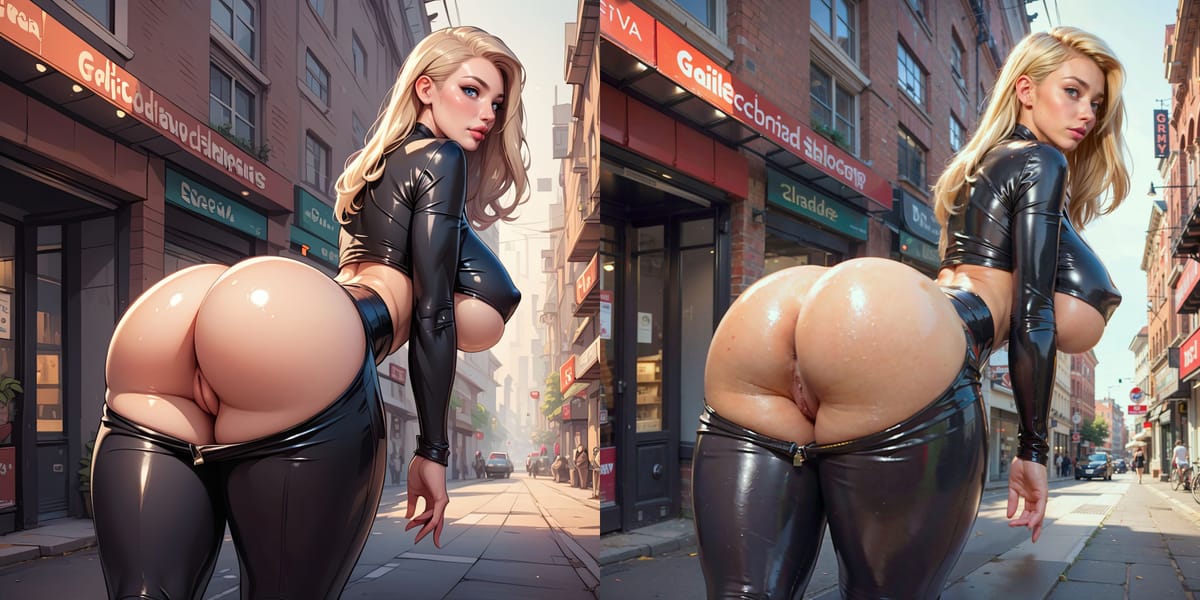
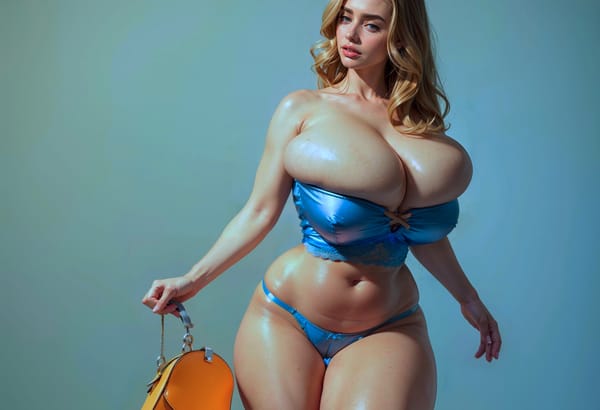
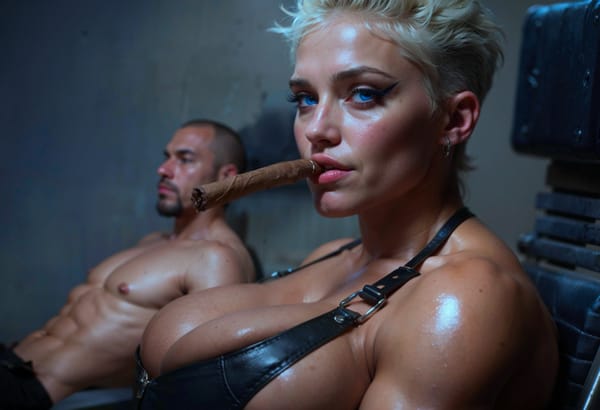
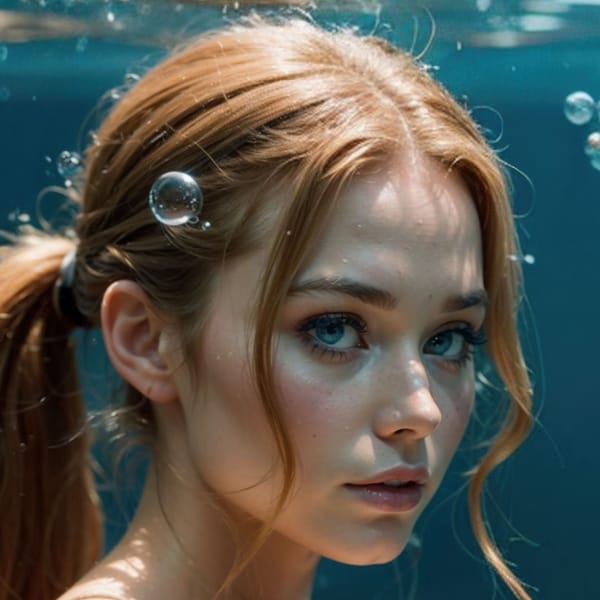
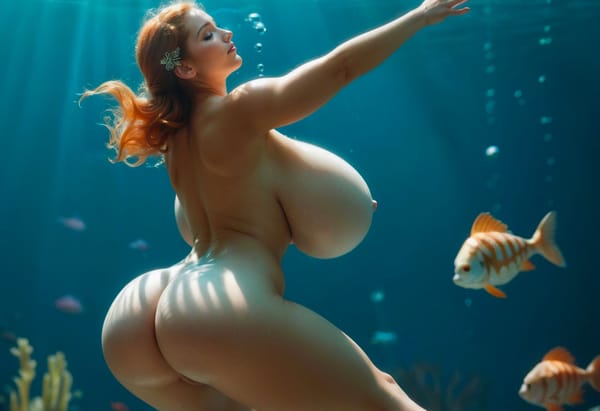
So the task here is to go from the image on the left to the image on the right. I was inspired to write this because I see there are som misconceptions in the idea that going from a sketch to a high quality photo realistic image is a trivial process done with one click. There are perhaps way to automate that but it is certainly now how I do this kind of work.
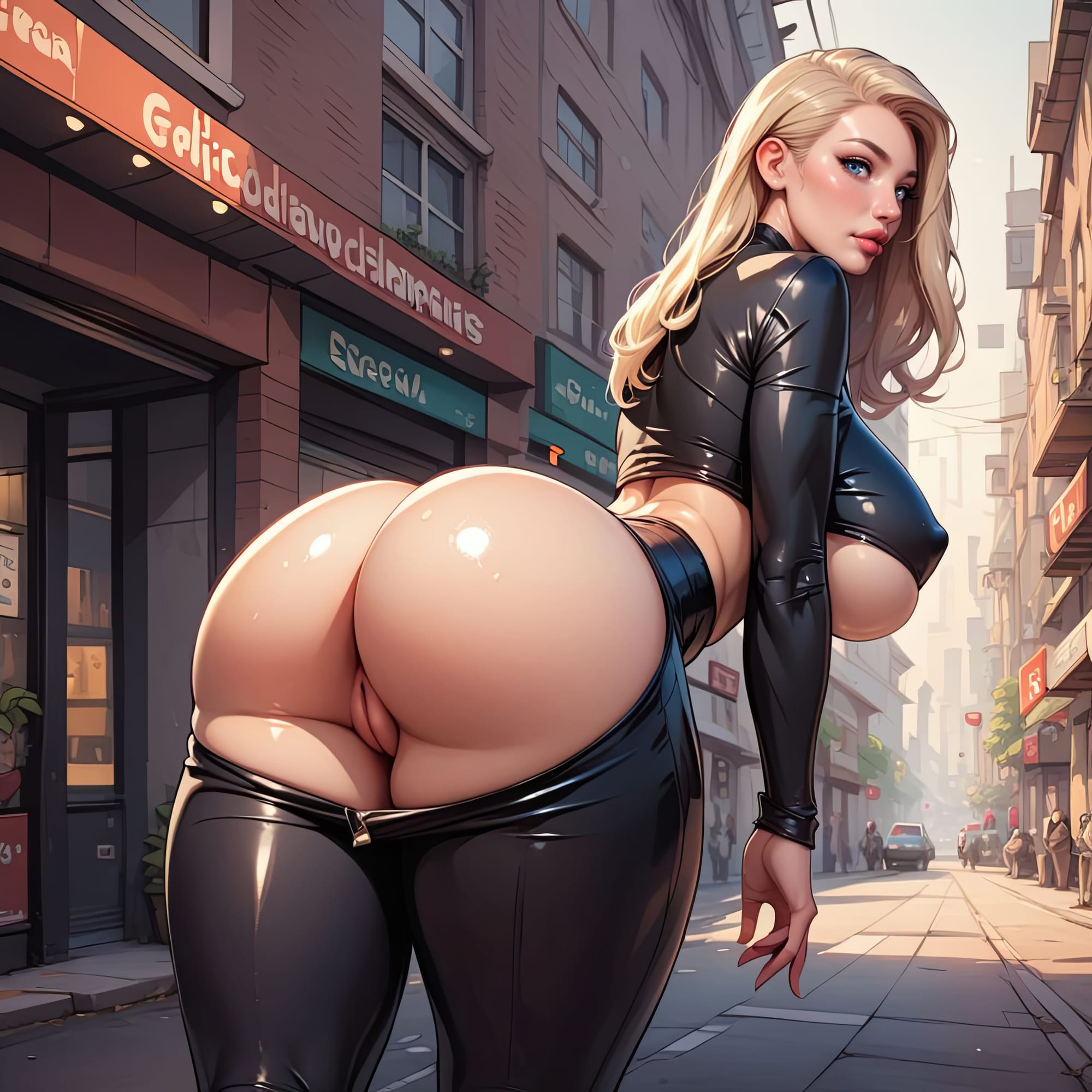
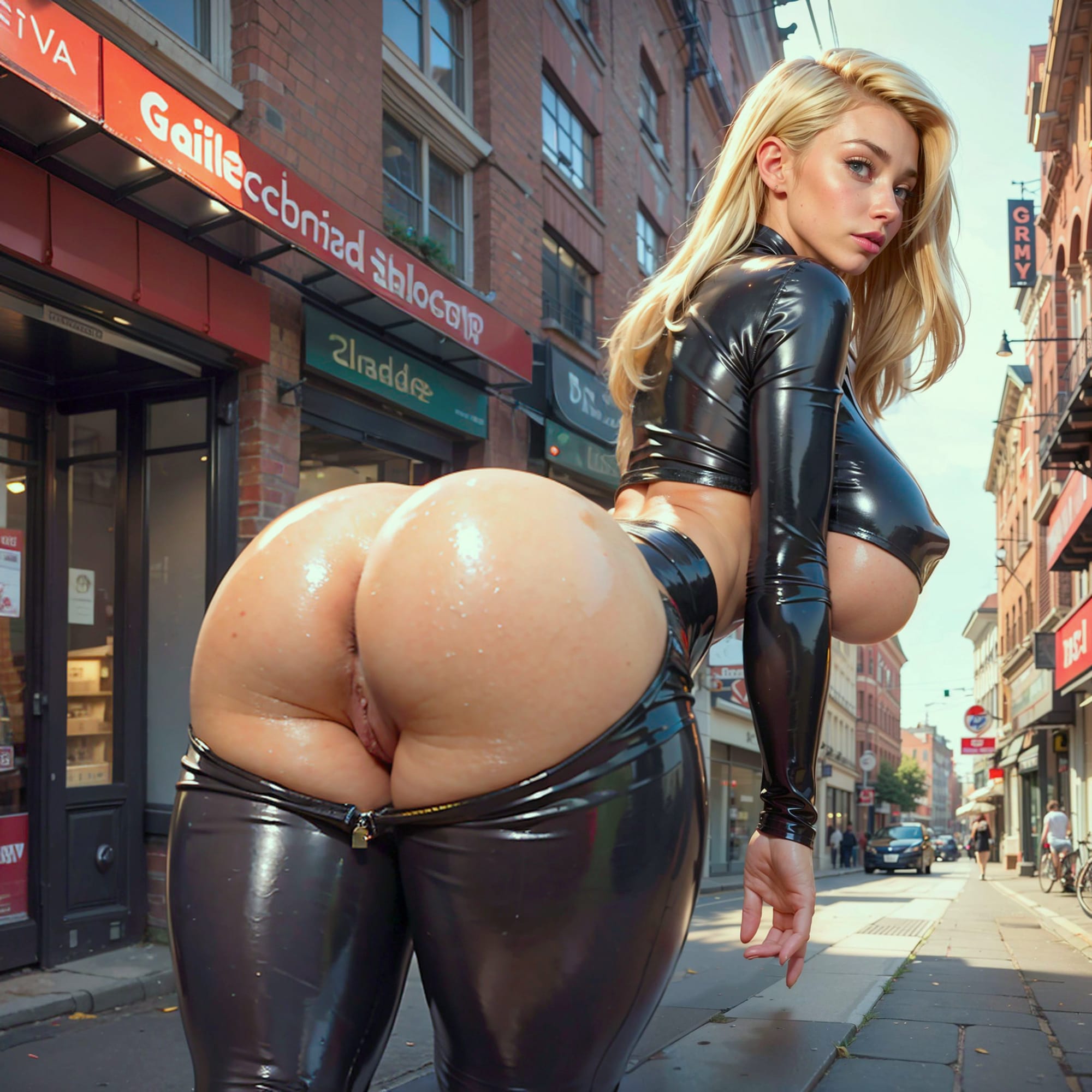
The way I work on such images is through the process of inpainting. I can explain the process akin to this, by doing it manually. You can cut out a section of image and perform what is called image to image generation.
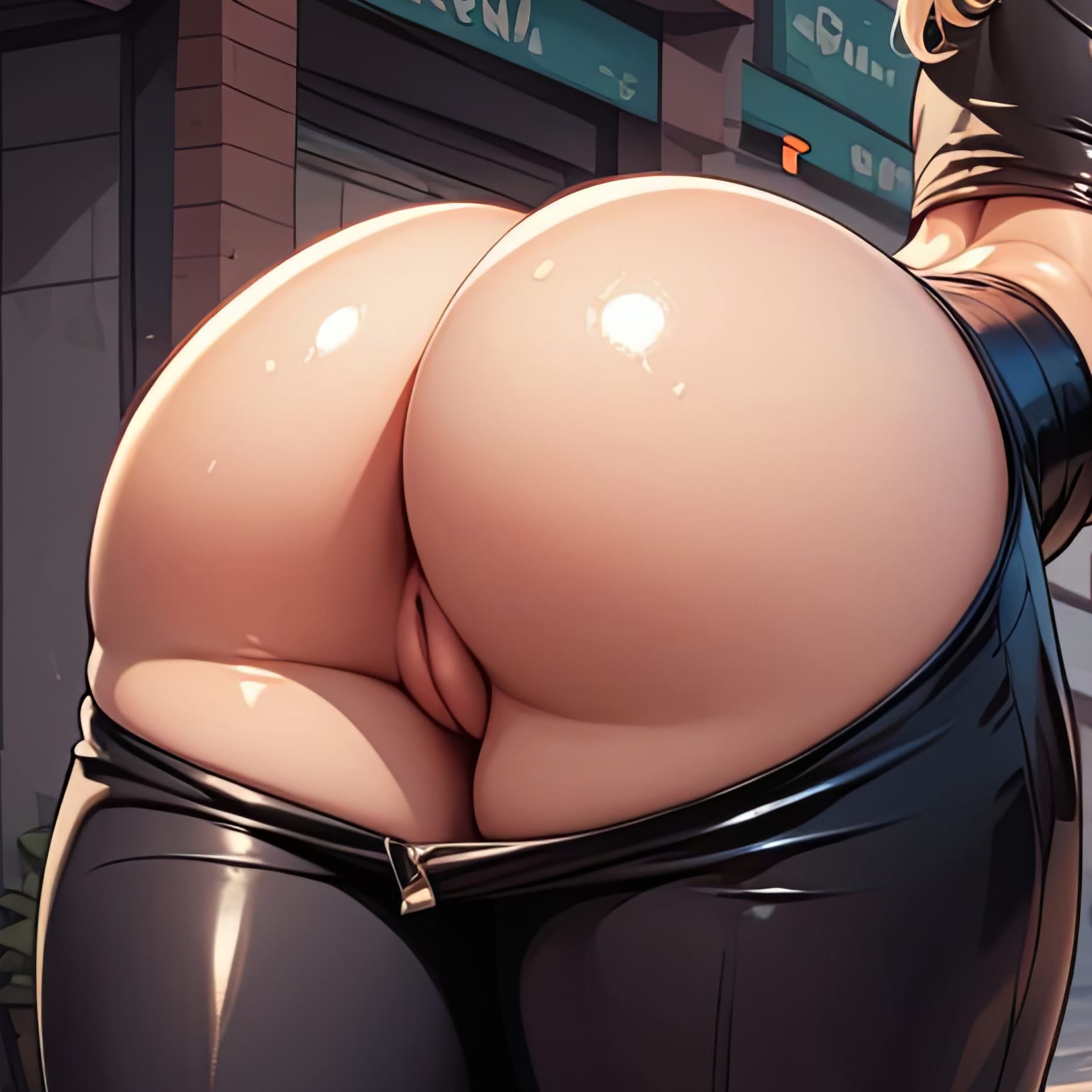
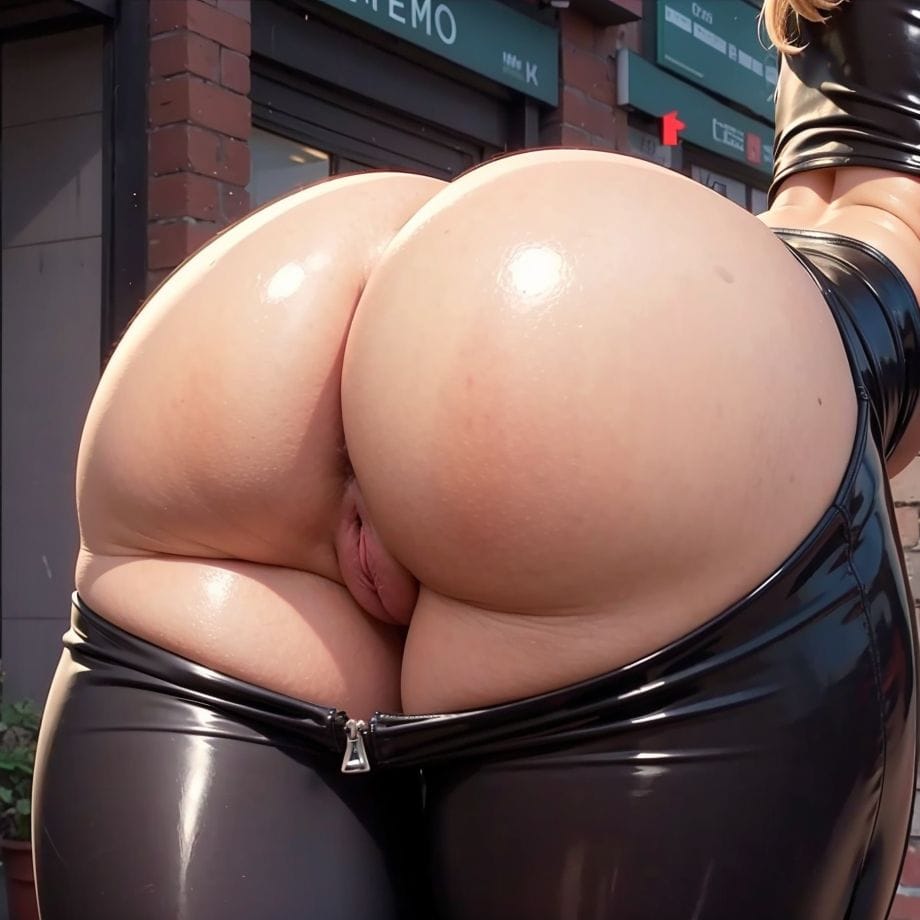
Image to image or "img2img" as it is usually called in the AI Art world is actually fundamentally how AI works. When you create an AI image using text to image, you really just start with a random noise image which is then transformed to your final image through multiple steps.
Stable Diffusion (common AI Art method) works in steps:
- Look at existing noisy image and use prompt to transform it to something slightly more like the prompt.
- Take slightly changed output image and use as input to perform the exact same operation once more.
Thus you can in principle start your image generation with an image at any step in the process. Any image can be seen as just one step in a bigger iteration towards the final result.